Free course › Module 1
Lesson 1 of 10 · 6 min
What can you expect to learn here?
Hello and welcome to the platform! This is a living, breathing set of documents, and it's free. Optional donations help keep it updated with new content and examples.
So who am I and why should you listen to me? Well, I'm a life-long techie, with a career in enterprise software and hardware as a sales engineer (someone in sales who is very technical). I previously had never coded beyond HTML and CSS. However, I was always invovled in software and the development of that software without being in the programming team due to my career. Selling enterprise SaaS (Software as a Service) applications teaches you a lot about the requirements, the expectations from customers, the support, the profiability, and the marketing. Everything you need to do it on your own.
I always wanted to build my own apps, so I started to learn coding with AI. I began in Cursor, and these days I build mostly with Claude Code. My most complex app with close to 100,000 lines of code is now deployed and distributed between Vercel, Railway, and Supabase. It leverages multiple APIs as well, scrapes websites, integrates with DeepSeek AI, and provides extensive customisations. Lastly, and mostly importantly, it generates revenue! It goes to show you the power of these tools today is inspiring and great things can be achieved! That app has taken me about 3 months to build working a few hours a day but as it was my first app, it took me a bit longer to set up as I was learning the tools plus a host of new themes and principles at the same time.
If you're not technical, you will find a lot of the concepts new to you, but the goal here is to get you to START building and learn as you go along. You've got some smart AI assistants to help you on the way, but you need guidance. This is where this platform comes into play. You just have to remember one very important rule.
Just remember to be curious and ask lots of questions to the LLMs (the AI assistants).
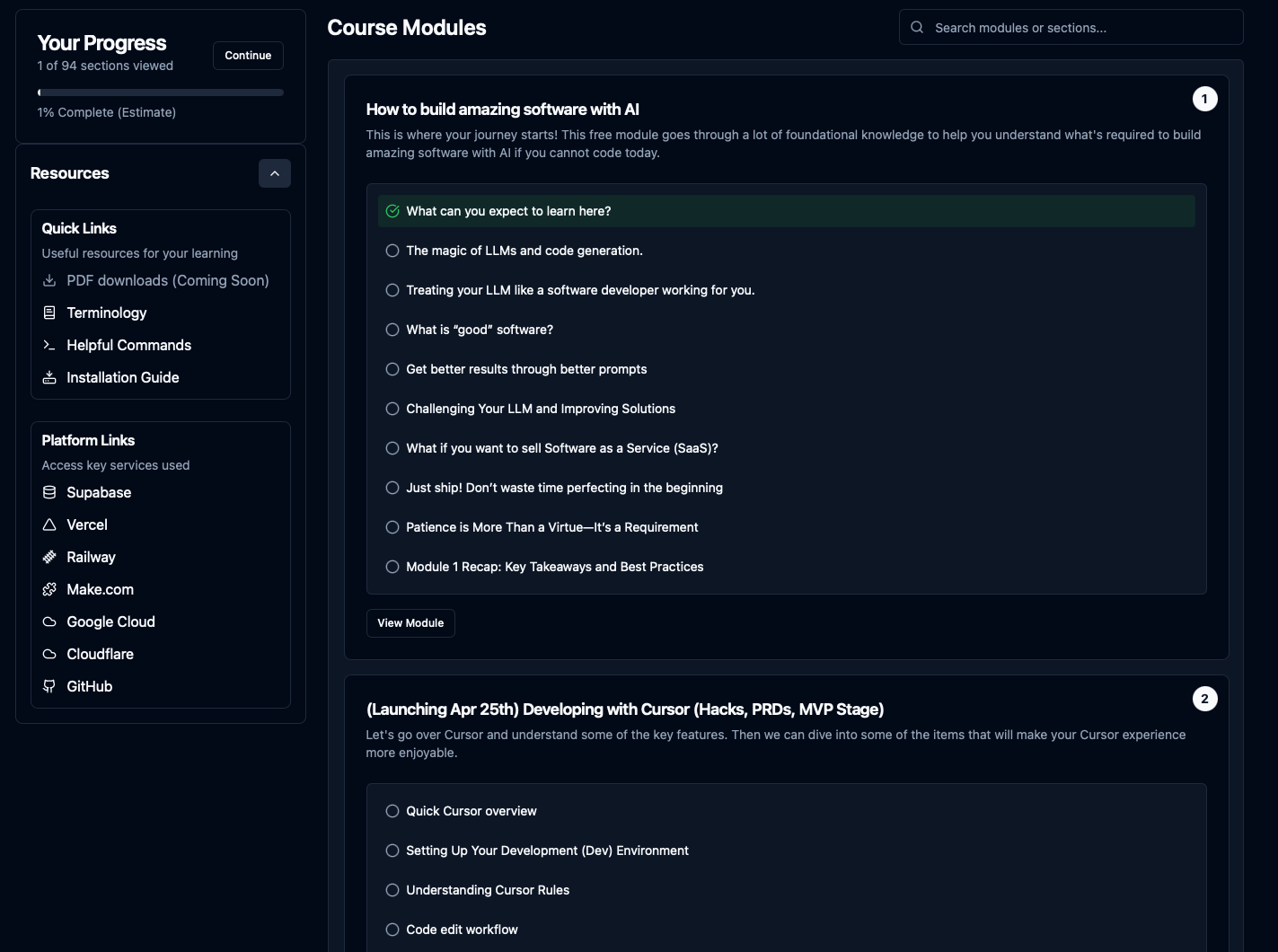
The Resources list beside the modules on the dashboard (above them on mobile) has terminology, common commands, and help setting up your computer.
Which AI tool do I need? This course leads with Claude Code (in your terminal or the Code tab of the Claude desktop app) and Codex (in the ChatGPT desktop app). Cursor and other tools work too. Don't install anything yet: Module 2 walks you through it.
You will save hours by not building poorly, chasing errors and backtracking over mistakes. When I started out I made these mistakes all the time, then figured out what helps me build proper software in less time and enjoy the process. This is your platform to build software with AI coding tools the right way!
Real-world example: you have a great app idea but no coding background. With this platform and AI, you can build a working prototype in days, gather feedback, improve it fast, and launch within weeks or months.
Questions to consider:
- What's one app or software idea you've always wanted to build?
- What’s been holding you back from starting your software-building journey?
- Are you prepared to be patient and give this a go??
Note: At the end of each module is a "recap" section that will highlight some of the key terms and ideas we cover in each module.